
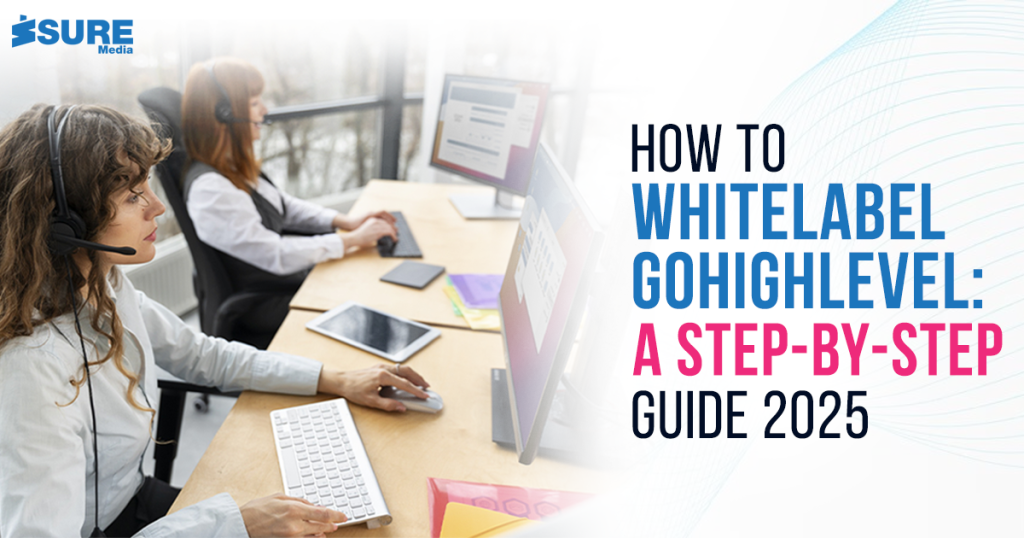
Do you wish to learn how to white label GoHighLevel? White labeling GoHighLevel allows you to offer top-class marketing solutions under your brand. It allows agencies to give a professional touch while keeping their business identity intact.
This blog will be the best way for you to get through every part of the process in an simple and understandable manner. Therefore, you’ll get to learn about how to white label GoHighLevel by the end of it and will be able to market your brand more properly.
Table of Content
Introduction
What is GoHighLevel White Labeling?
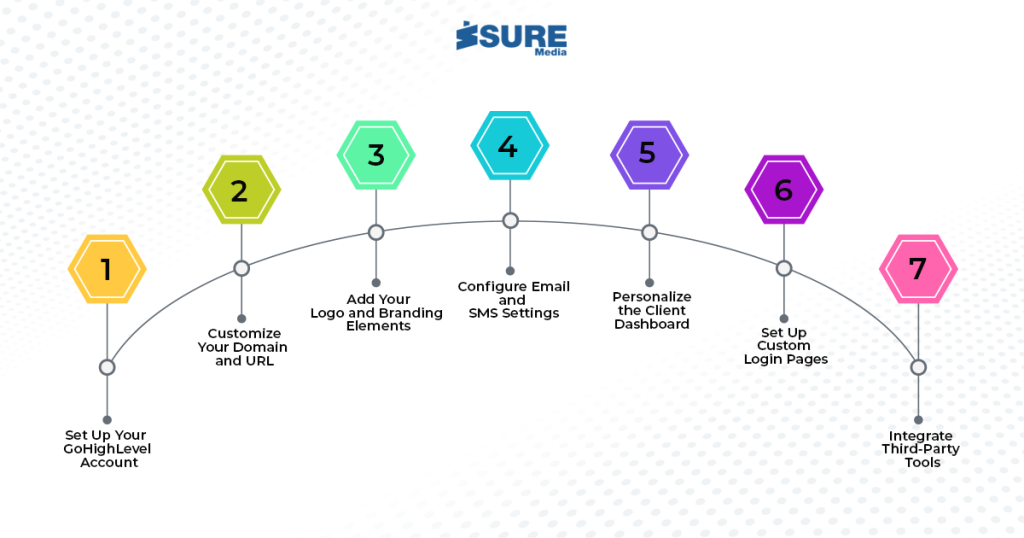
How to White Label GoHighLevel
– Set Up Your GoHighLevel Account
– Customize Your Domain and URL
– Add Your Logo and Branding Elements
– Configure Email and SMS Settings
– Personalize the Client Dashboard
– Set Up Custom Login Pages
– Integrate Third-Party Tools
The Bottom Line
What is GoHighLevel White Labeling?
GoHighLevel white label enables you to rebrand the platform with your logo, domain, and preferred features. That is, your customers will experience your business name and not GoHighLevel. It is suitable for marketing agencies who want to offer innovative tools without coding software from scratch.
With GoHighLevel white labeling, you are in complete control of branding with an all-in-one client management system.
How to White Label GoHighLevel
White labeling GoHighLevel is quite easy. We will outline every process so that you can get started with ease.
1. Set Up Your GoHighLevel Account
First, sign up for a GoHighLevel agency account. The account gives you access to the white label feature. Once signed up, sign in to the dashboard and go to the settings for customization. Make sure to choose the agency plan since it is the only plan that gives complete white-label functionality.
2. Personalize Your Domain and URL
Second, you must create a custom domain. Rather than accessing the GoHighLevel URL, you can have your own distinct web address. This action increases your brand exposure and gives your clients a smooth experience. To accomplish this, go to the settings tab and locate the domain option. Input your custom domain and follow the guidelines to link it accordingly
3. Add Your Logo and Branding Elements
Branding is involved when you white label GoHighLevel. Begin by adding your company logo. This logo will be displayed on the dashboard, login screen, and emails. You can also adjust the color scheme to match your brand identity. These little touches make the platform your own and enhance your professional reputation.
If you’re wondering how to whitelabel gohighlevel, then this is the way to go.
4. Set Email and SMS Settings
Good communication is the key to customer satisfaction. Personalize your email and SMS settings in GoHighLevel to match your brand. Configure your business email address for outgoing messages. You can also include personalized SMS sender IDs. This makes all communication appear to be directly from your company.
5. Personalize the Client Dashboard
Your users will be spending significant time on their dashboard. So, it is important to make it personalized. You can rearrange the layout, include branded widgets, and make notifications customizable. This personalized experience generates trust and increases user satisfaction. Take your time and set up each detail for a seamless, professional experience.
6. Set Custom Login Pages
A custom login page is one of the major features of GoHighLevel’s white labeling. It gives your platform an elite feel. Develop a login page with your business branding elements and personalized messaging. This is what clients first interact with, and it must reflect your business ideal. Go through the login customizing settings and follow the guidance given to effect this step.
7. Utilize Third-Party Tools
GoHighLevel provides easy integration with other third-party applications. This aspect boosts your service delivery. You can integrate payment gateways, email marketing software, and CRM platforms. These integrations increase the robustness of your white-labeled platform. Navigate to the integrations tab and complete the easy setup to integrate your desired tools.
The Bottom Line
It’s simpler than you imagine how to white label GoHighLevel. Following these steps, you can develop a completely branded platform that elevates the professionalism of your agency. From the domain level to client dashboard customization, each step leads to a seamless experience.
By providing a white-labeled solution, you are not only providing value but also differentiating yourself from others. Begin today and discover the power of GoHighLevel white labeling for business growth.
If you want any assistance with white labeling GoHighLevel, then Isuremedia is at your service. Click on the following button to get your agency white labeled.
You can click on the following social media links to connect with us. If you’re still wondering how to whitelabel gohighlevel, you can connect with us on social media.